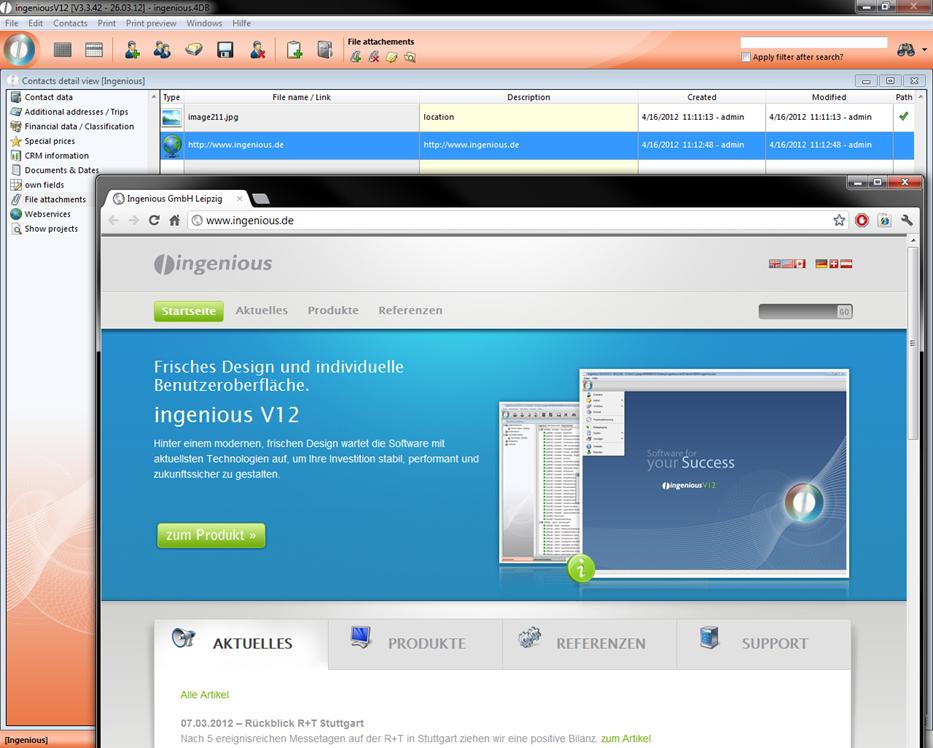
The file creation function is available to you in addition in the entire workflow, in purchasing, in the articles and in the receipt entry. Thus, important external documents can be assigned to individual contacts or projects, centrally managed and saved. You can always find the file creations as an individual column in the detail view of the respective module. The icon is always the same. After clicking on the icon, an overview with all existing attachments opens. In order to provide a new attachment, click on the icon
  “New file creation”. A window opens in which you specify if it should be a file creation or an external URL (a website) and then you can enter a description.
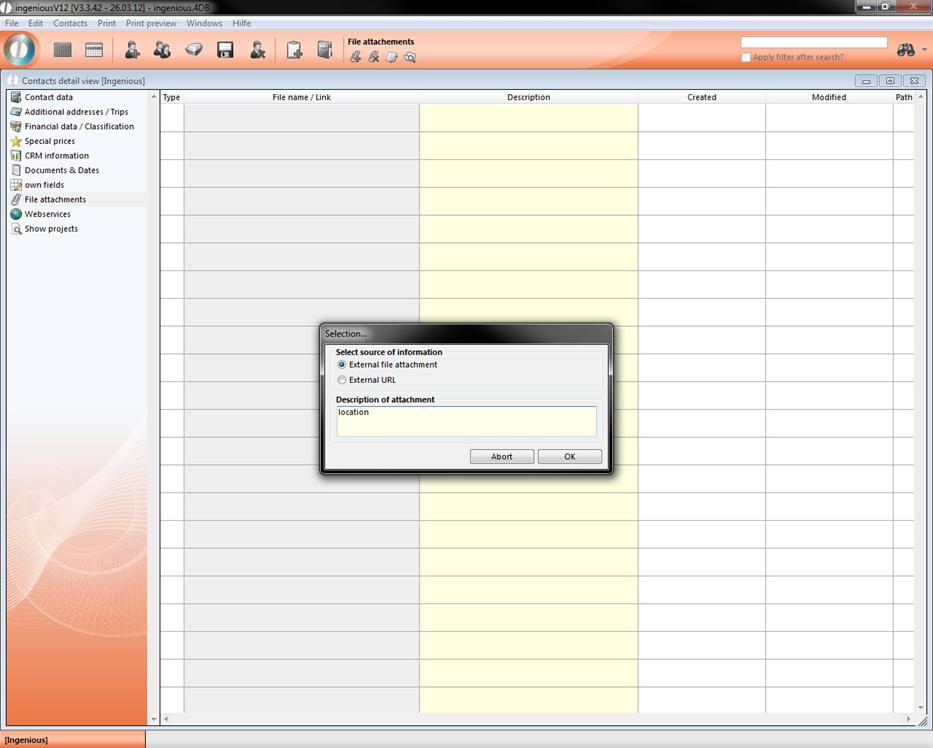
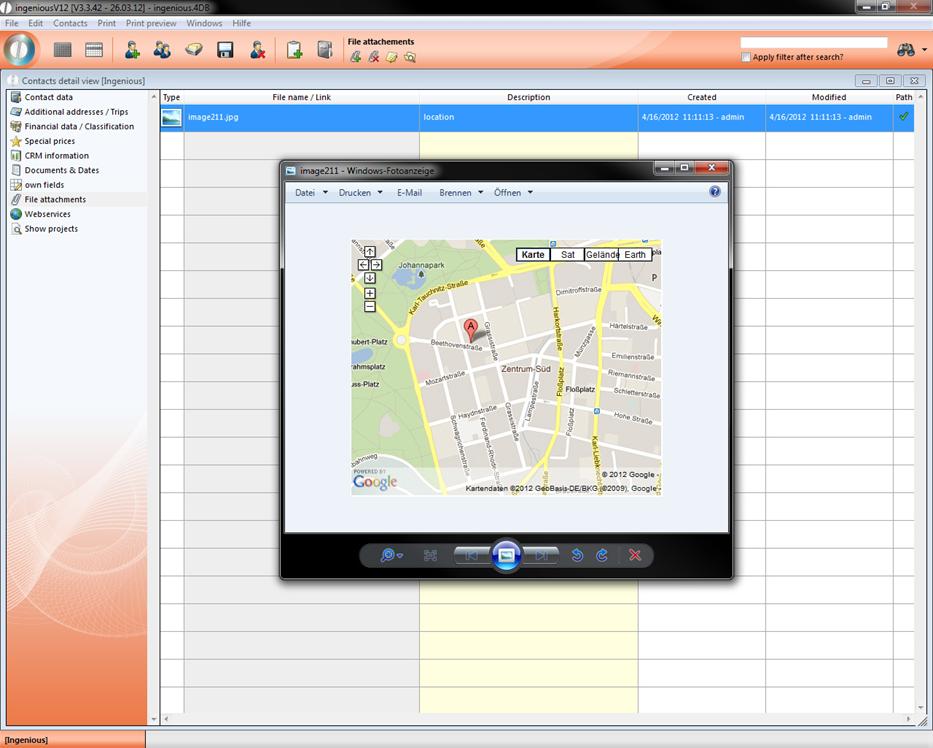
Confirm with “OK”. You can indicate the file by double-clicking at any time. The file is then opened in each case in the file-specific standard program. In the example, the jpg file is automatically indicated in the Microsoft Office Picture Manager program.
On nearly the same way you can add an external URL. In the next step put in the web address in the window and confirm it with “OK”.
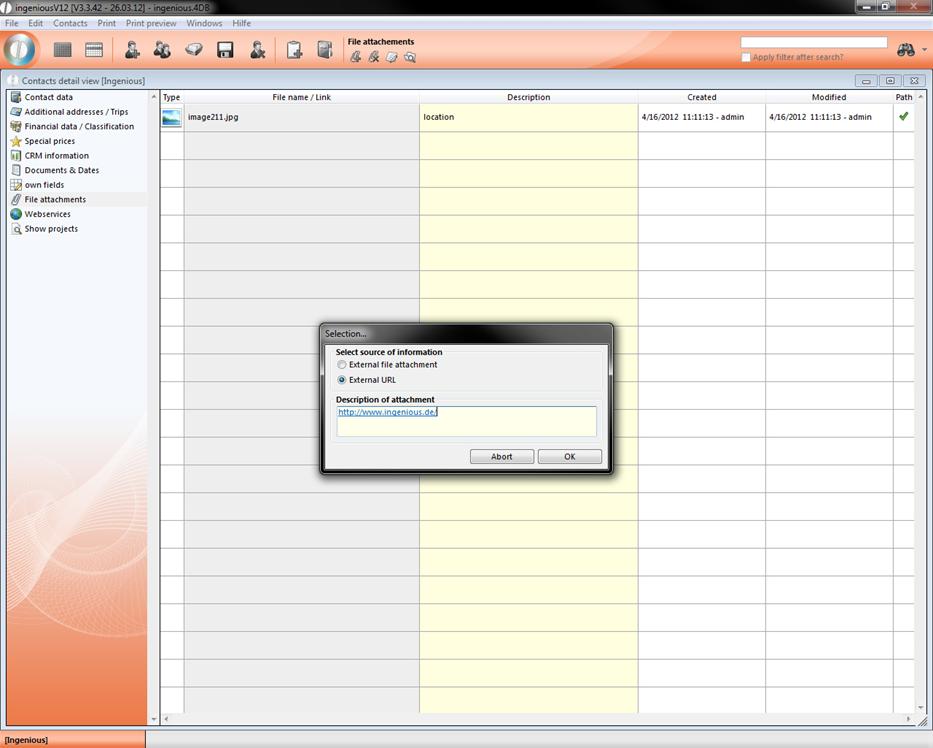
Add external URL
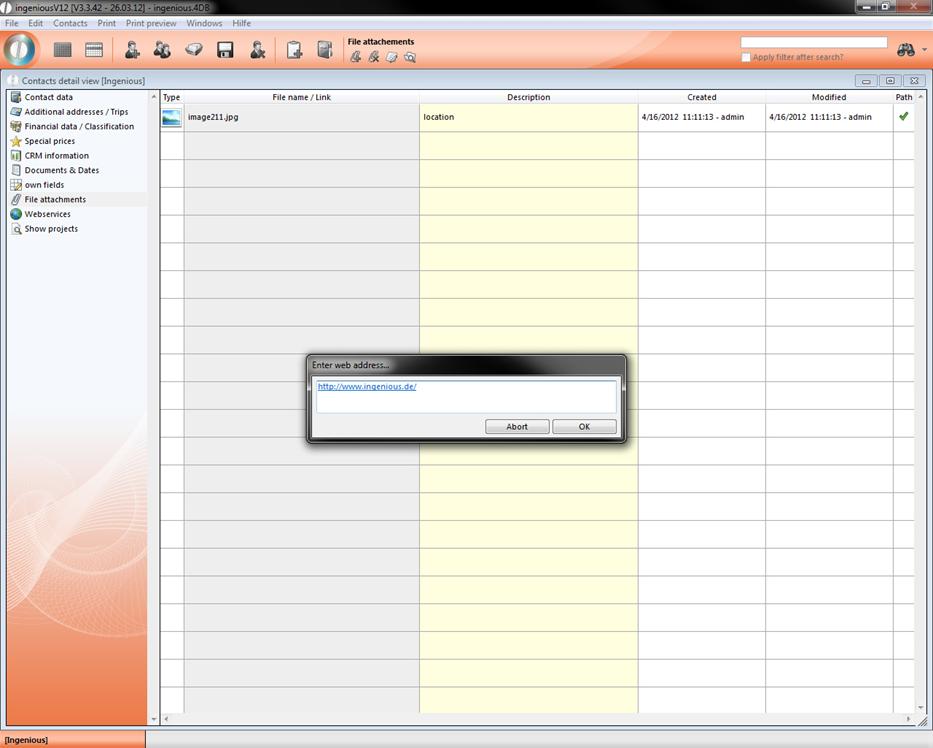
Put in the web address